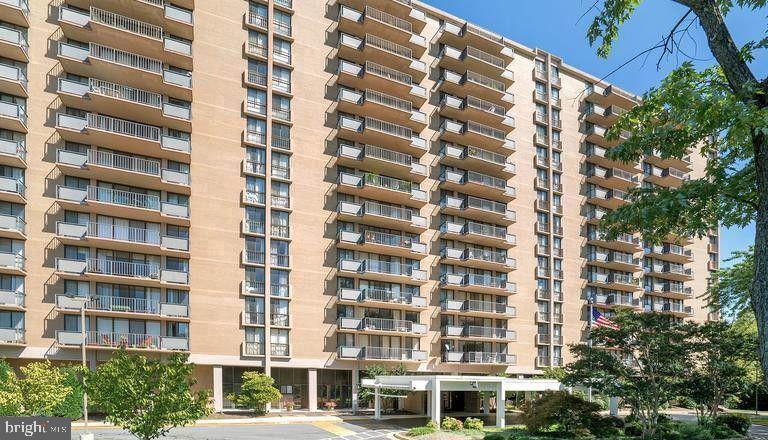
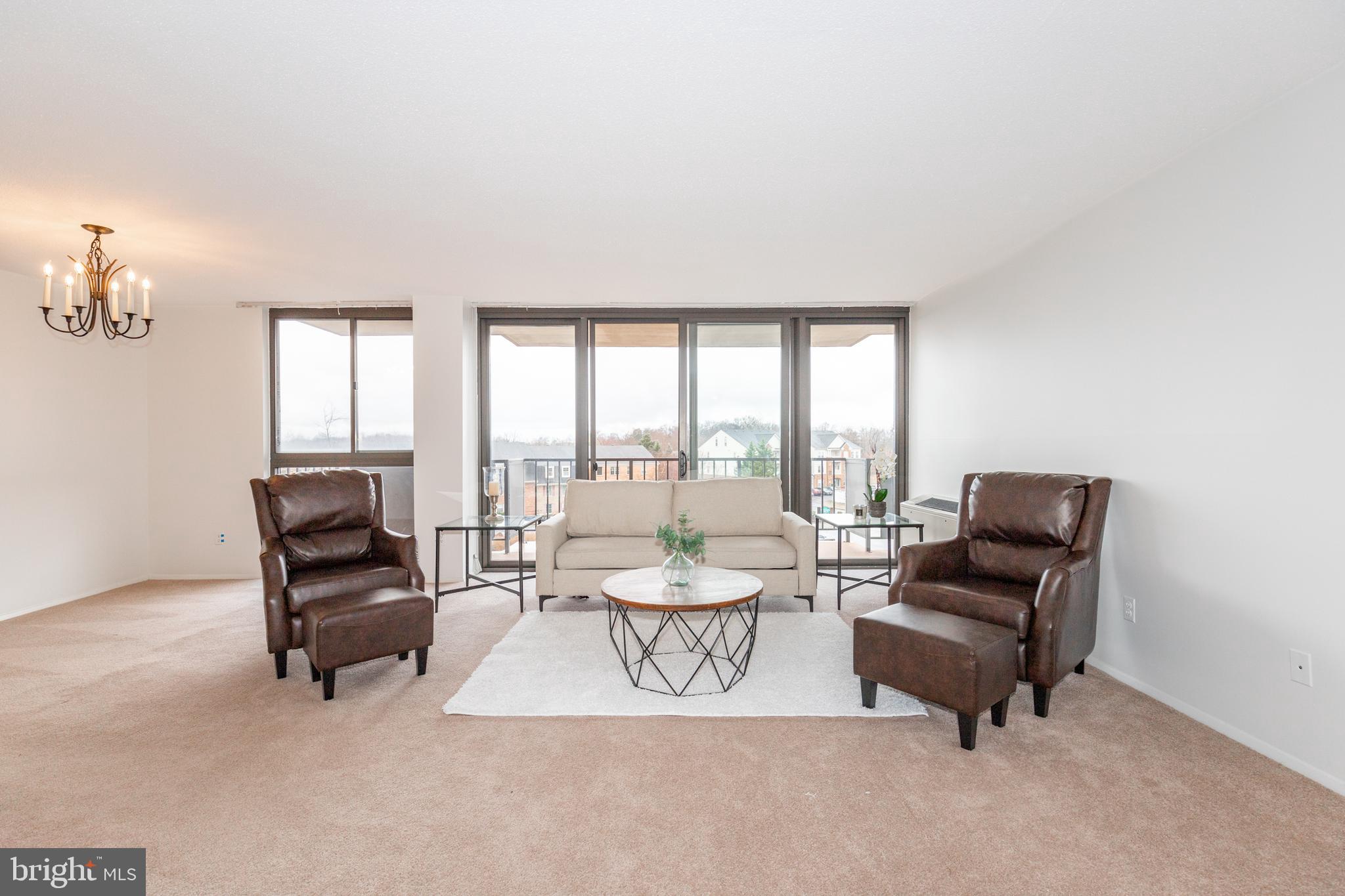
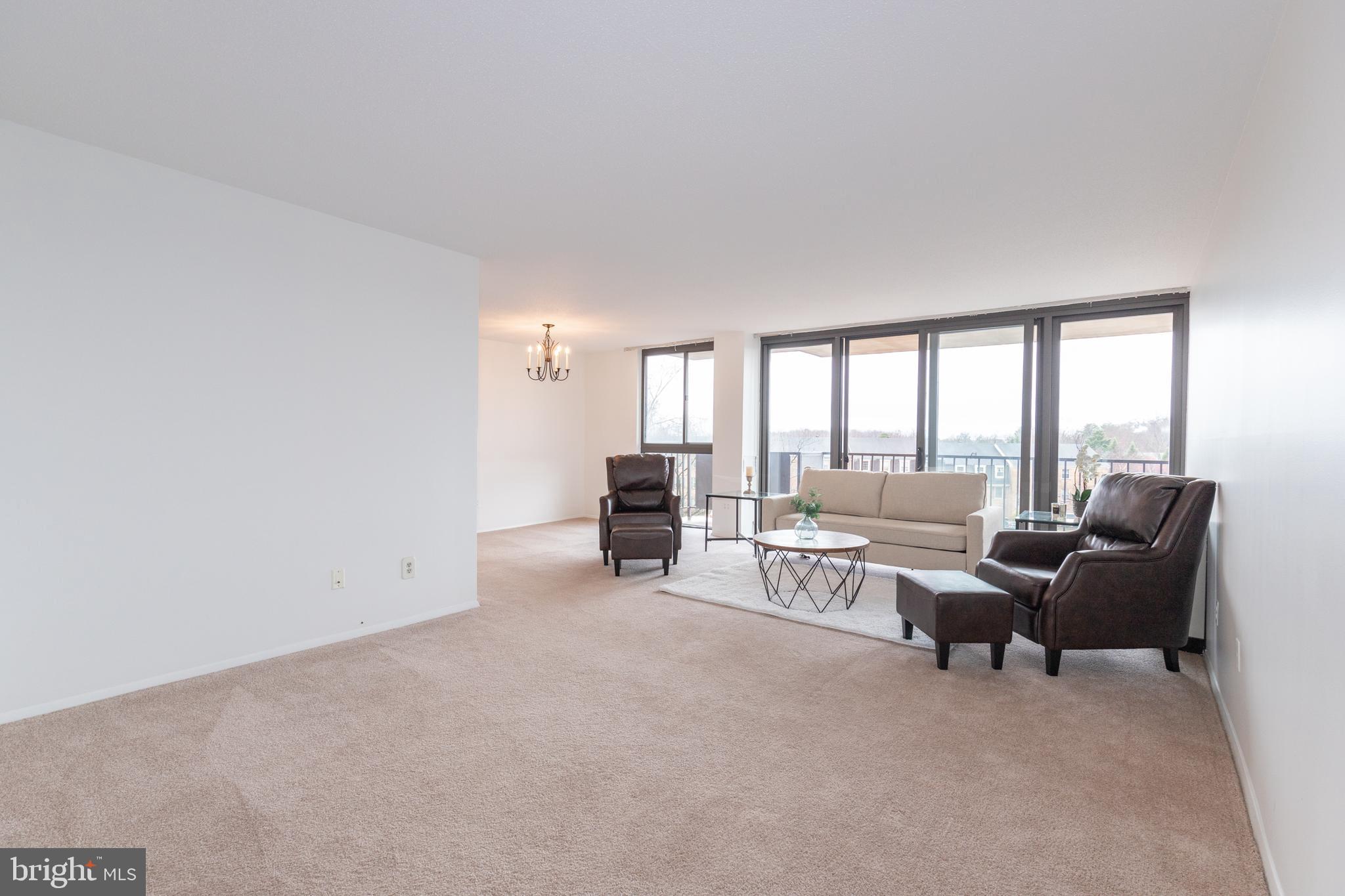
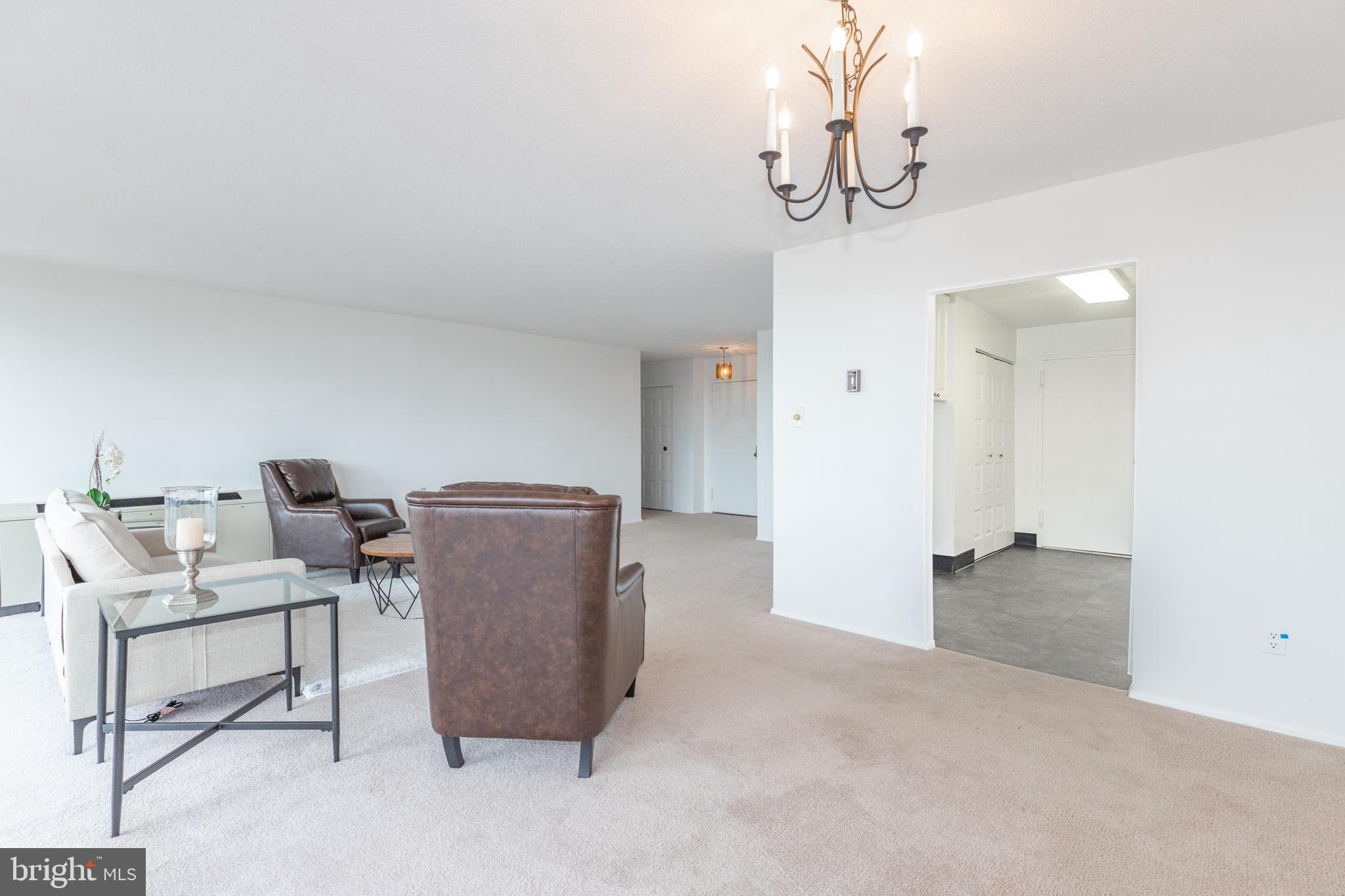
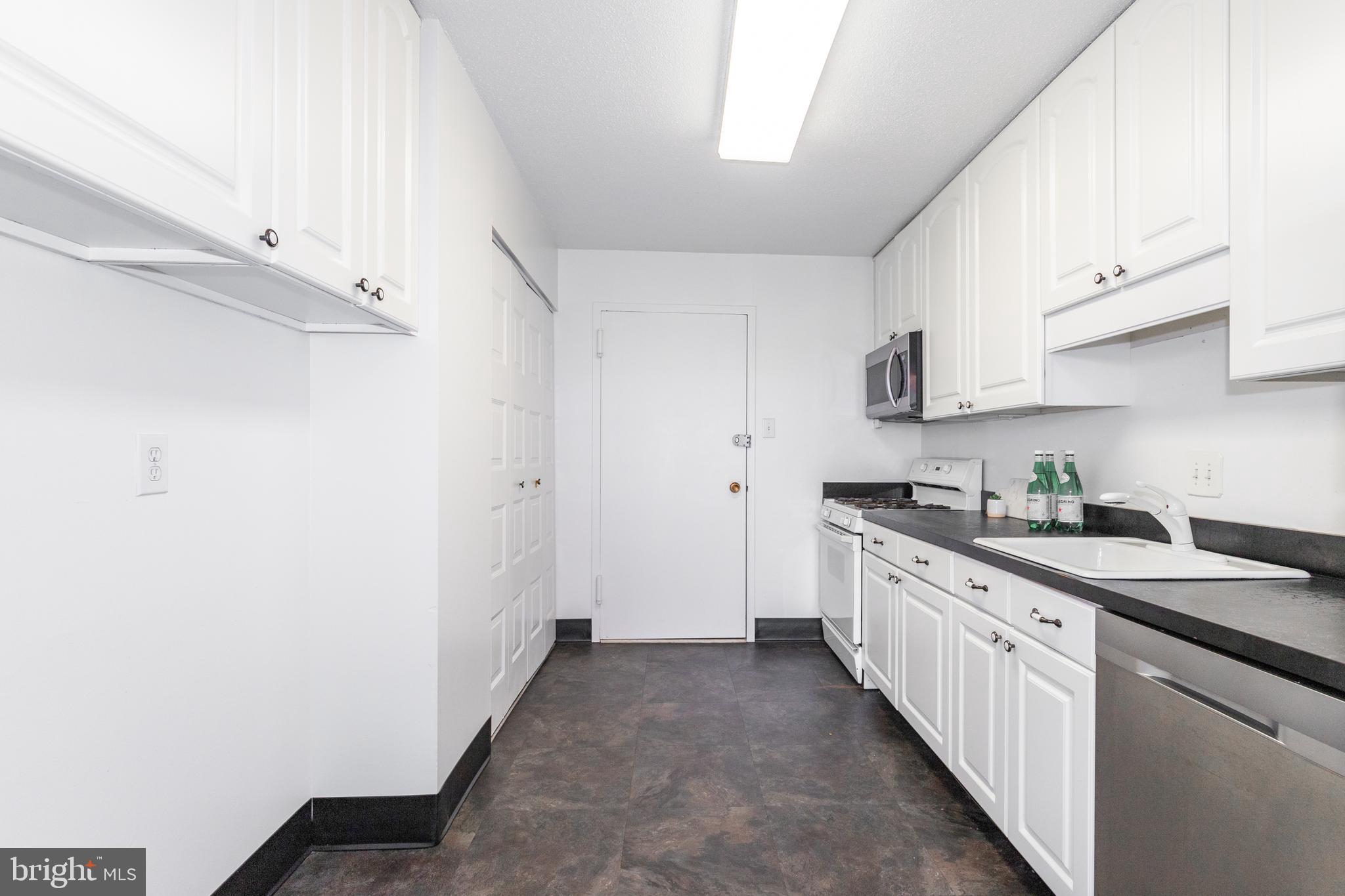
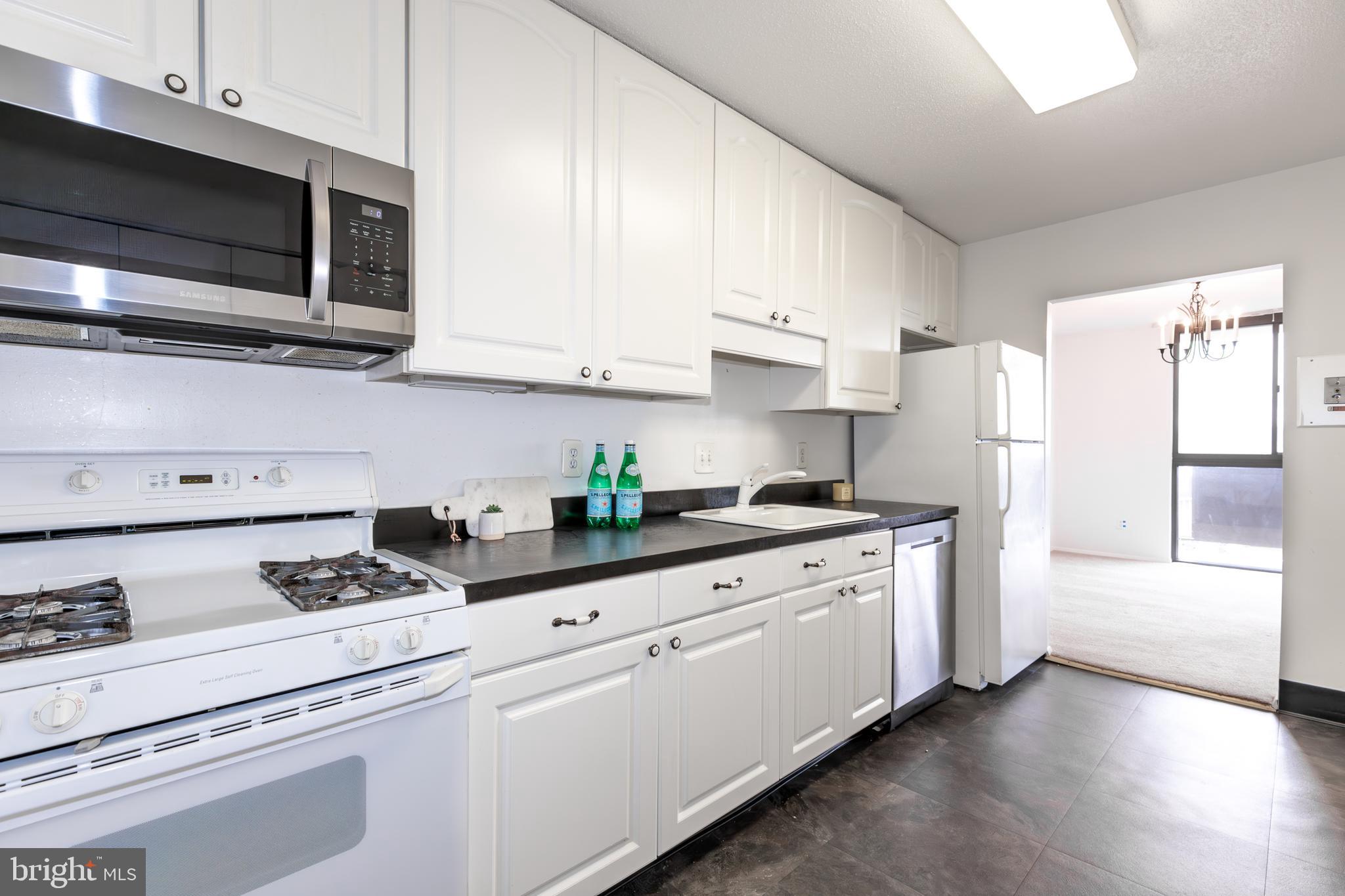
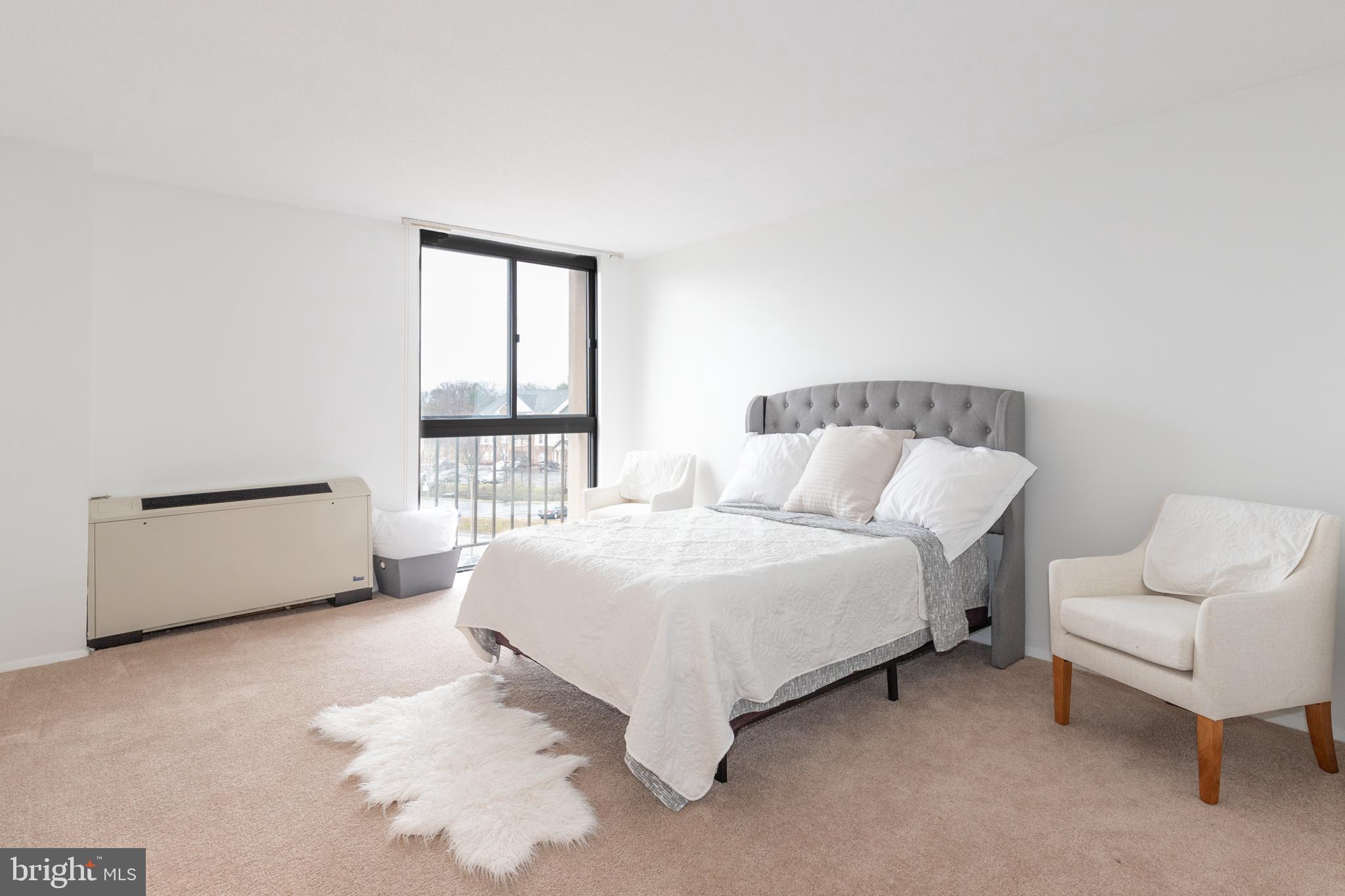
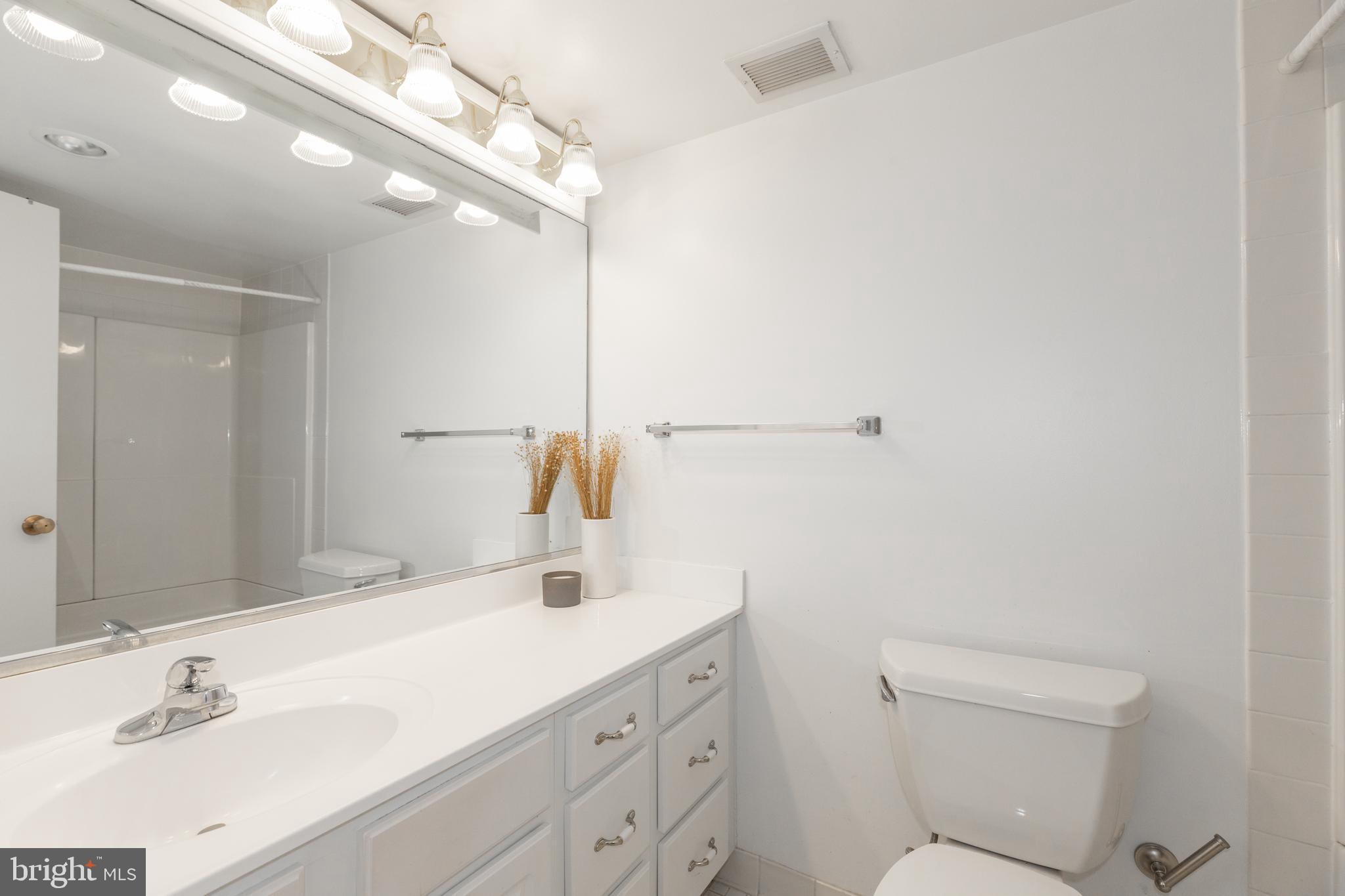
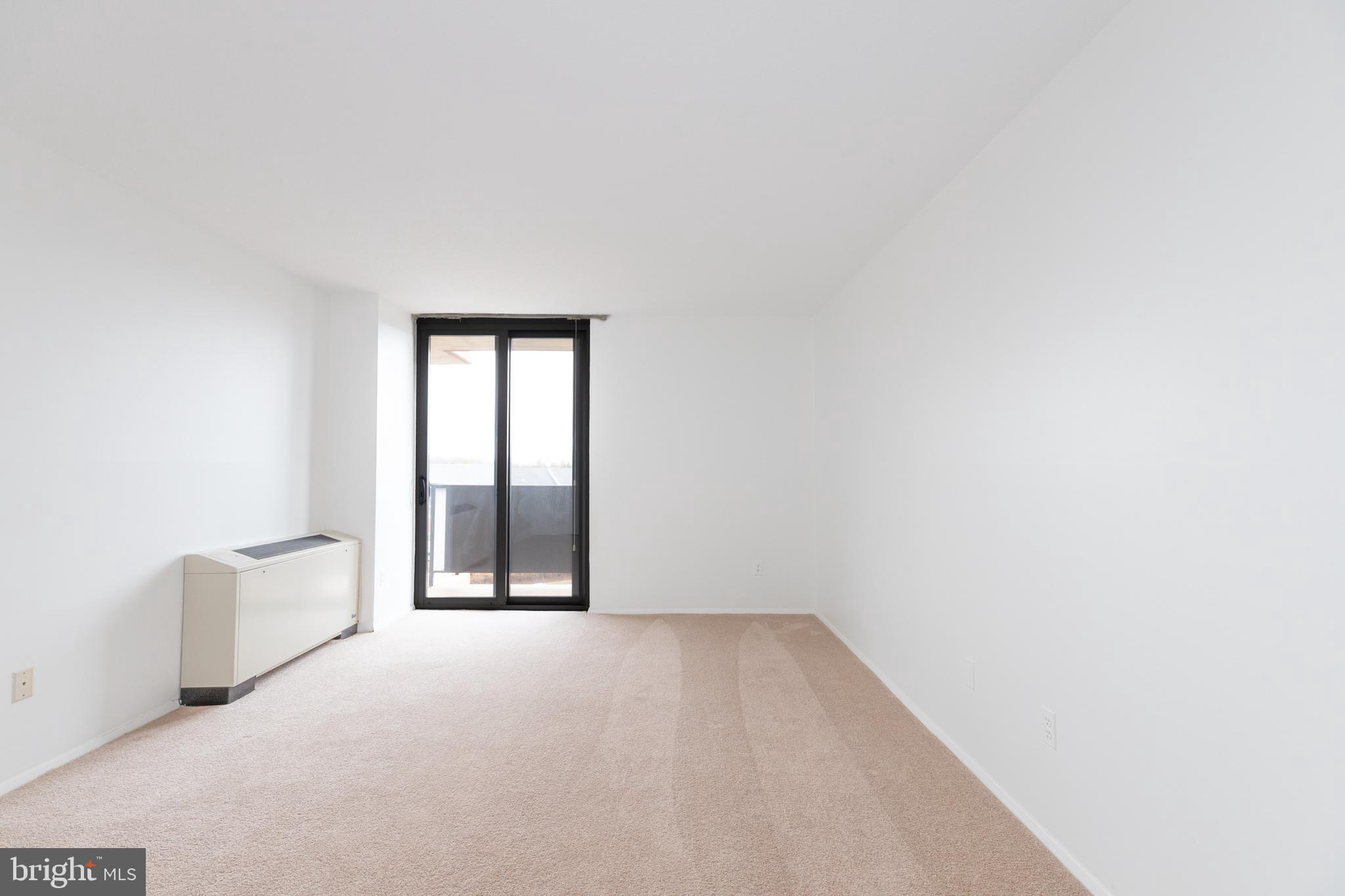
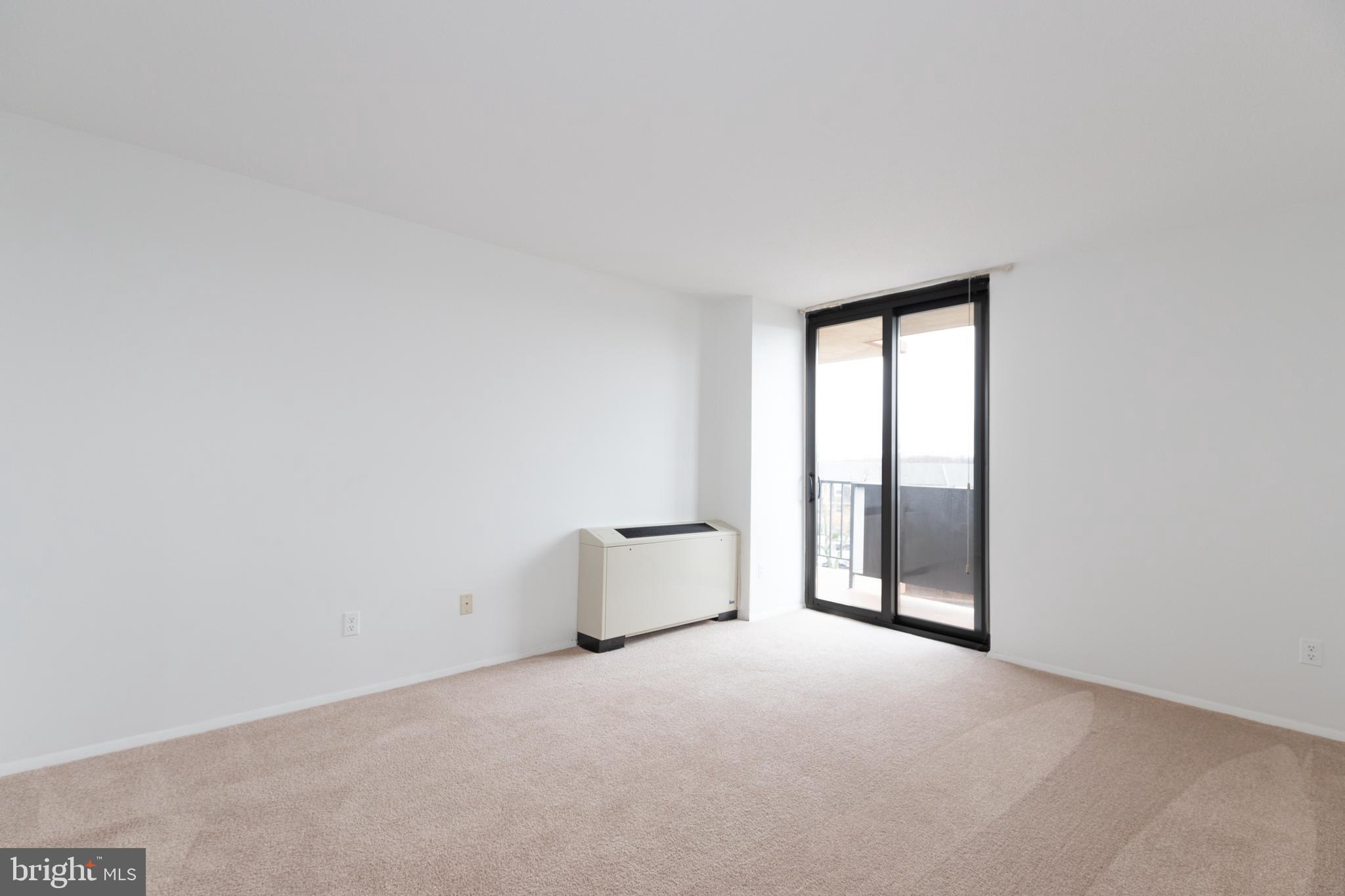
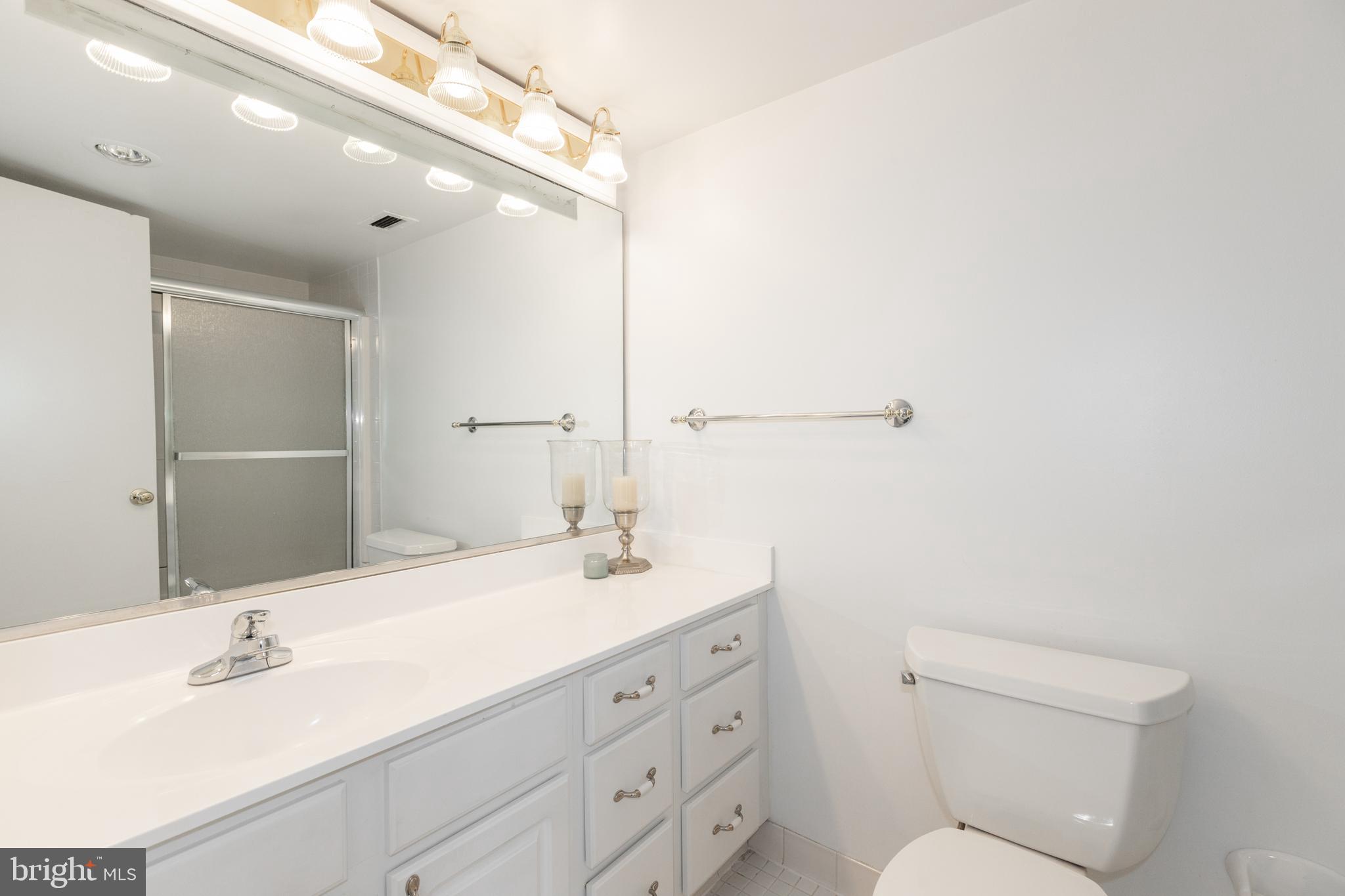
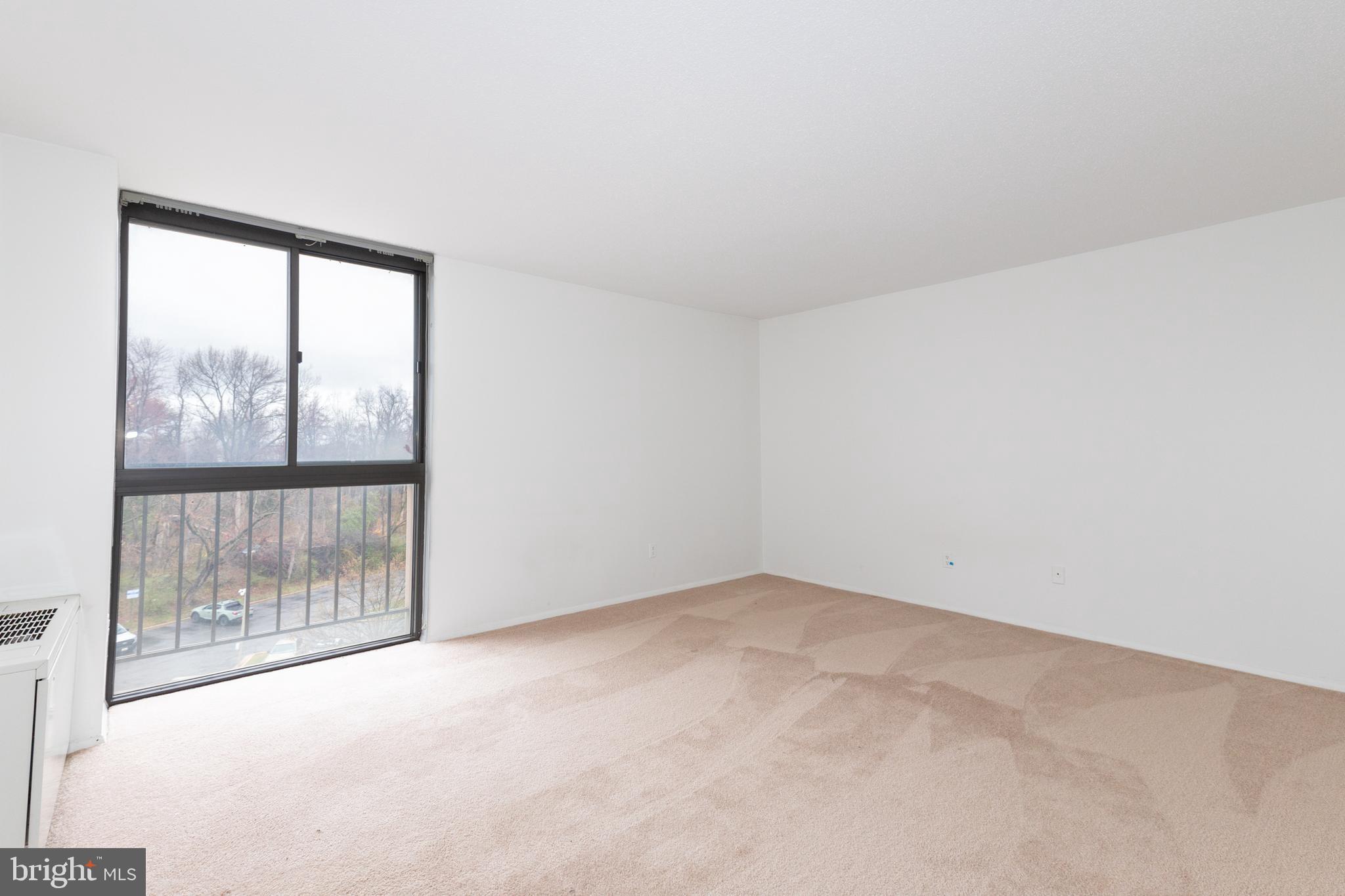
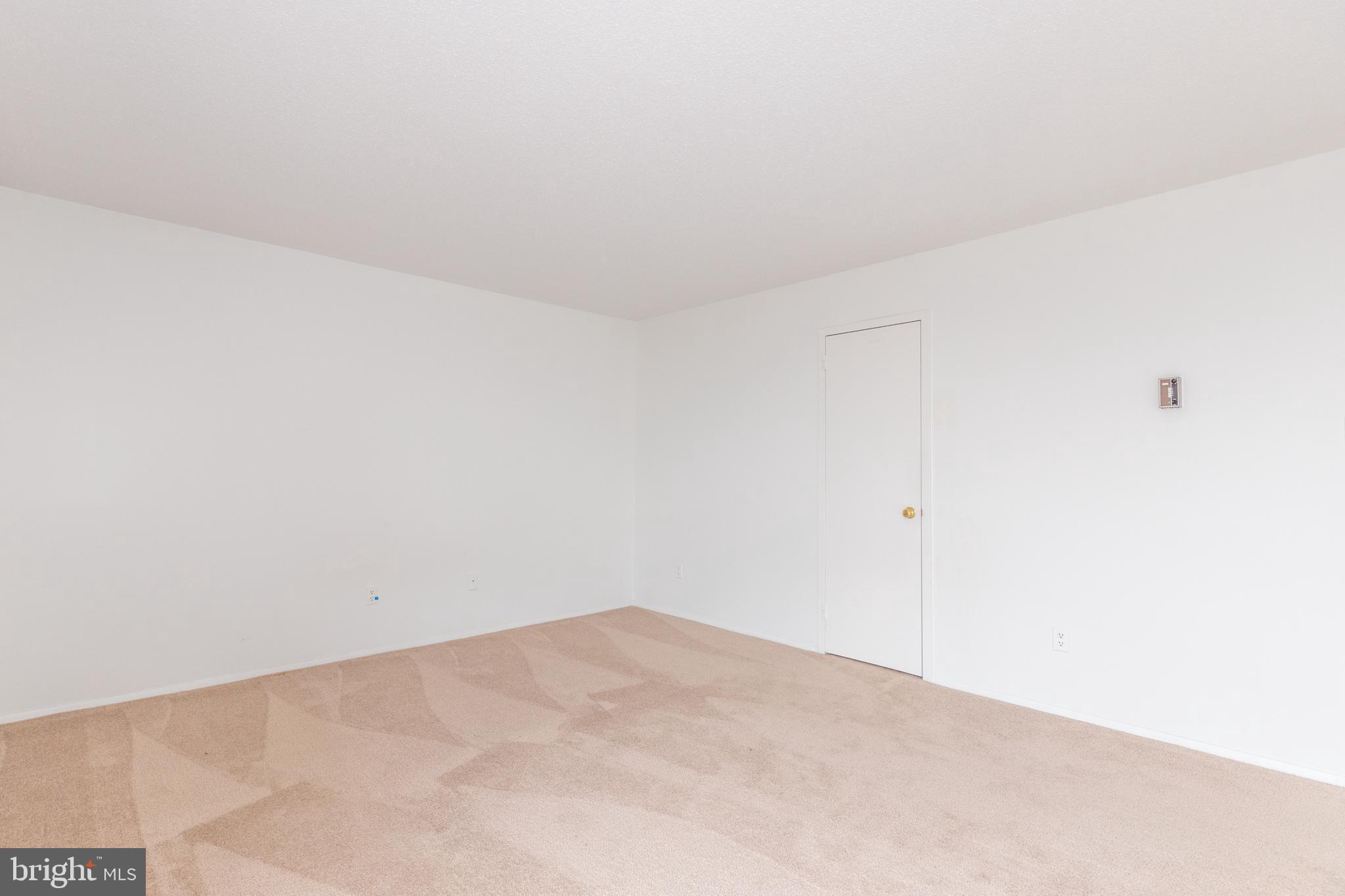
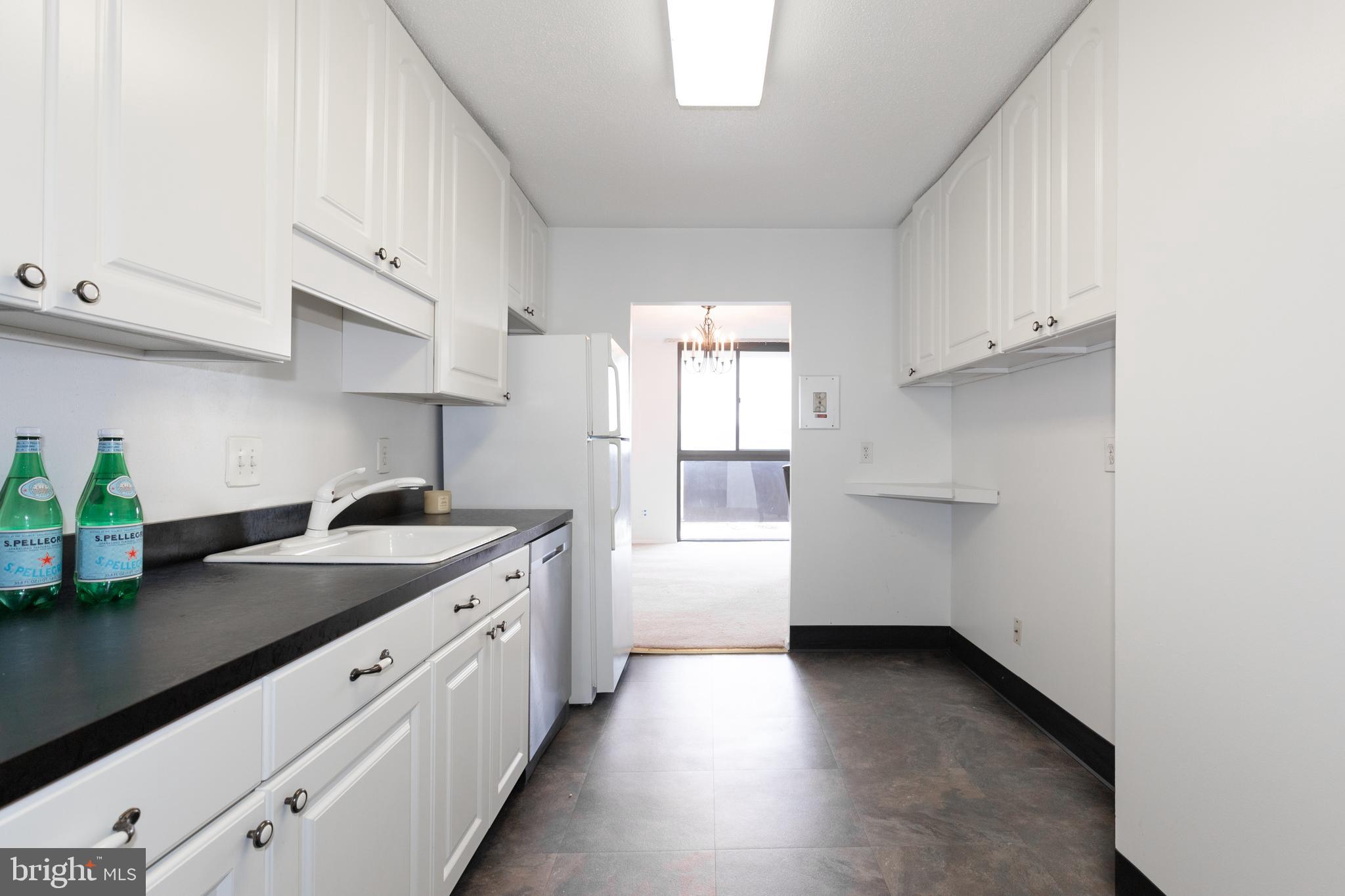
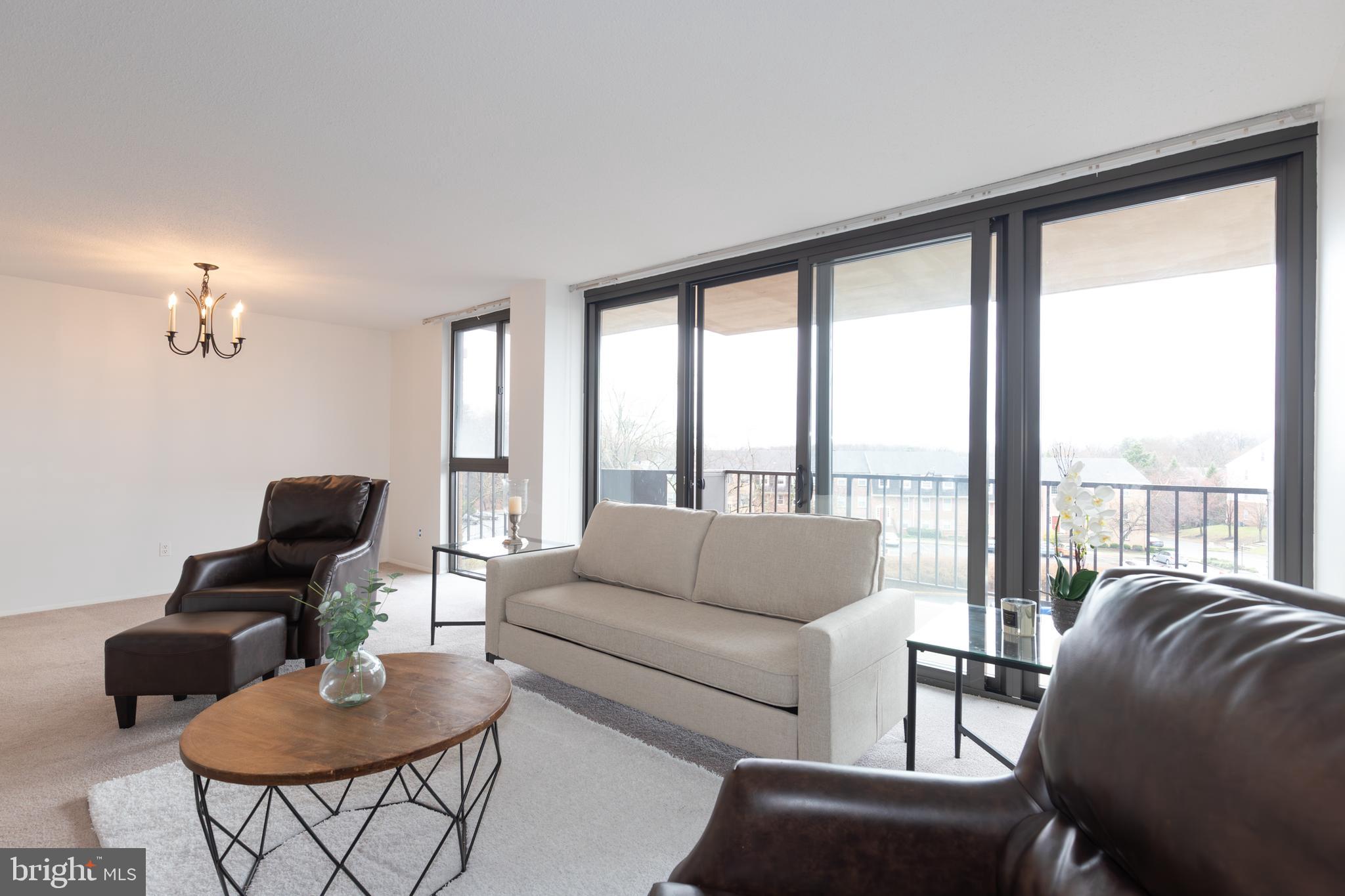
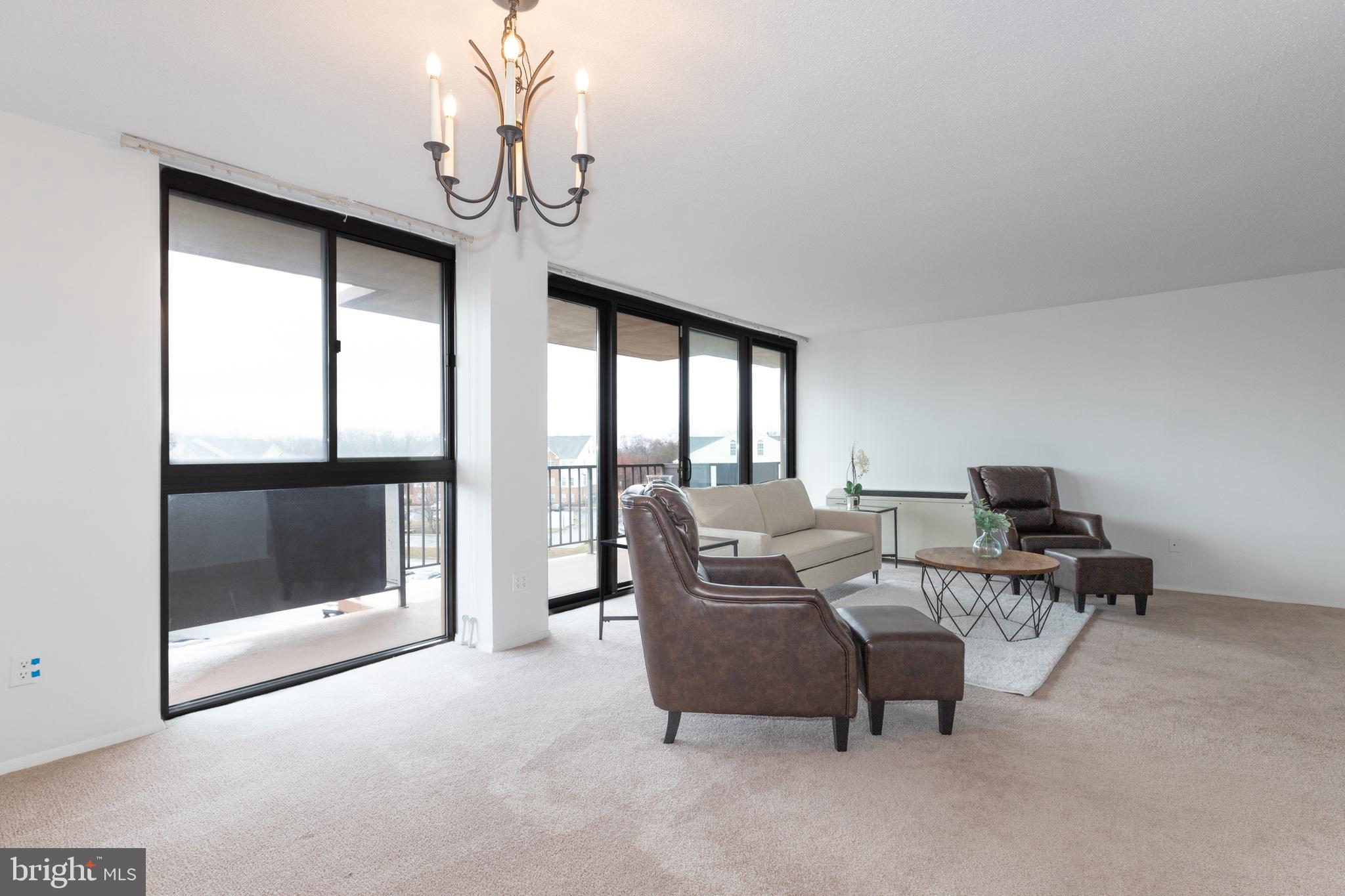
3 Beds 2 Baths 1,647 Sq.Ft.

Active Under Contract
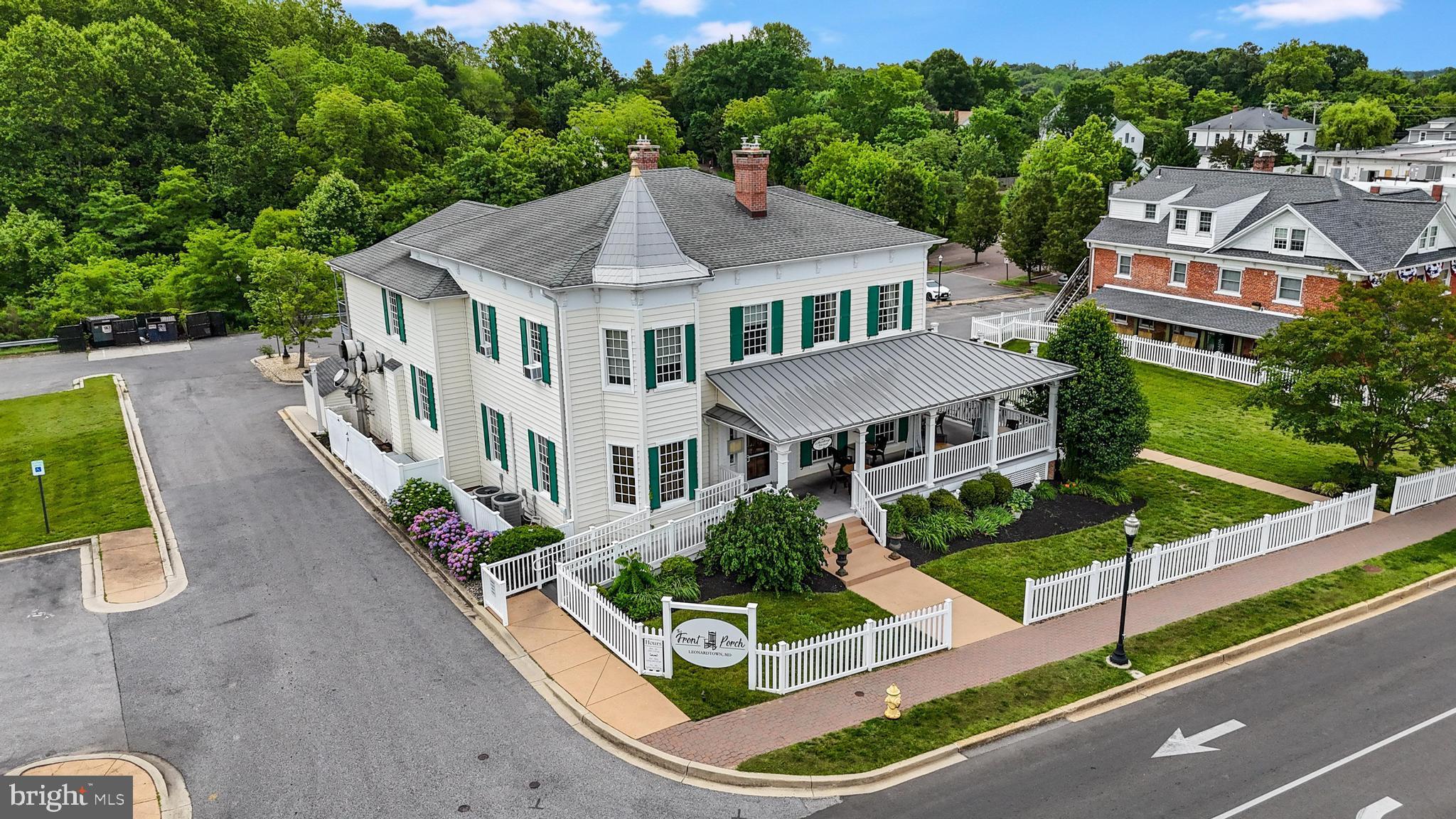
22770 WASHINGTON STREET, LEONARDTOWN, MD 20650
For Sale
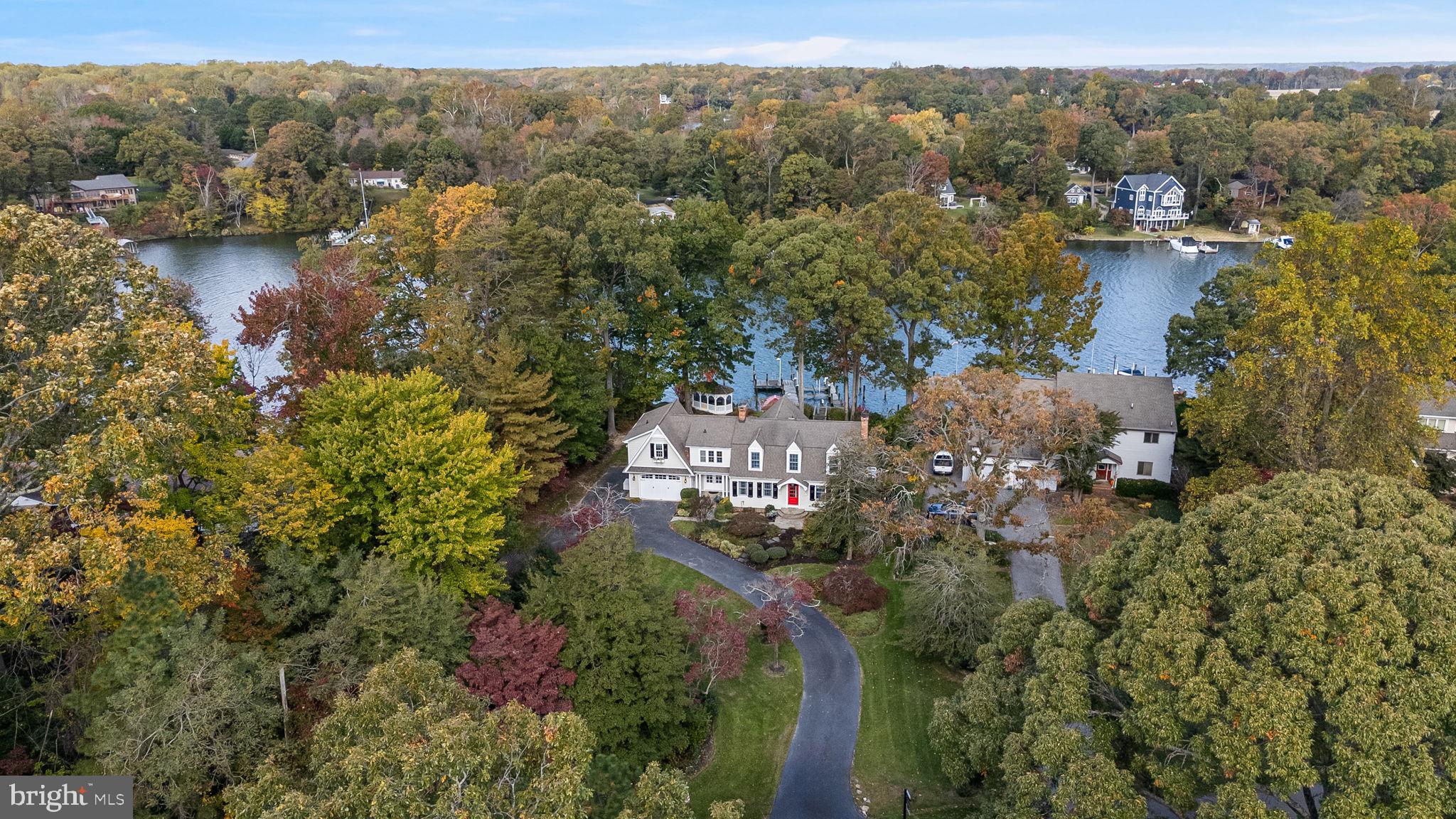
44850 JOY CHAPEL ROAD, HOLLYWOOD, MD 20636
Active Under Contract
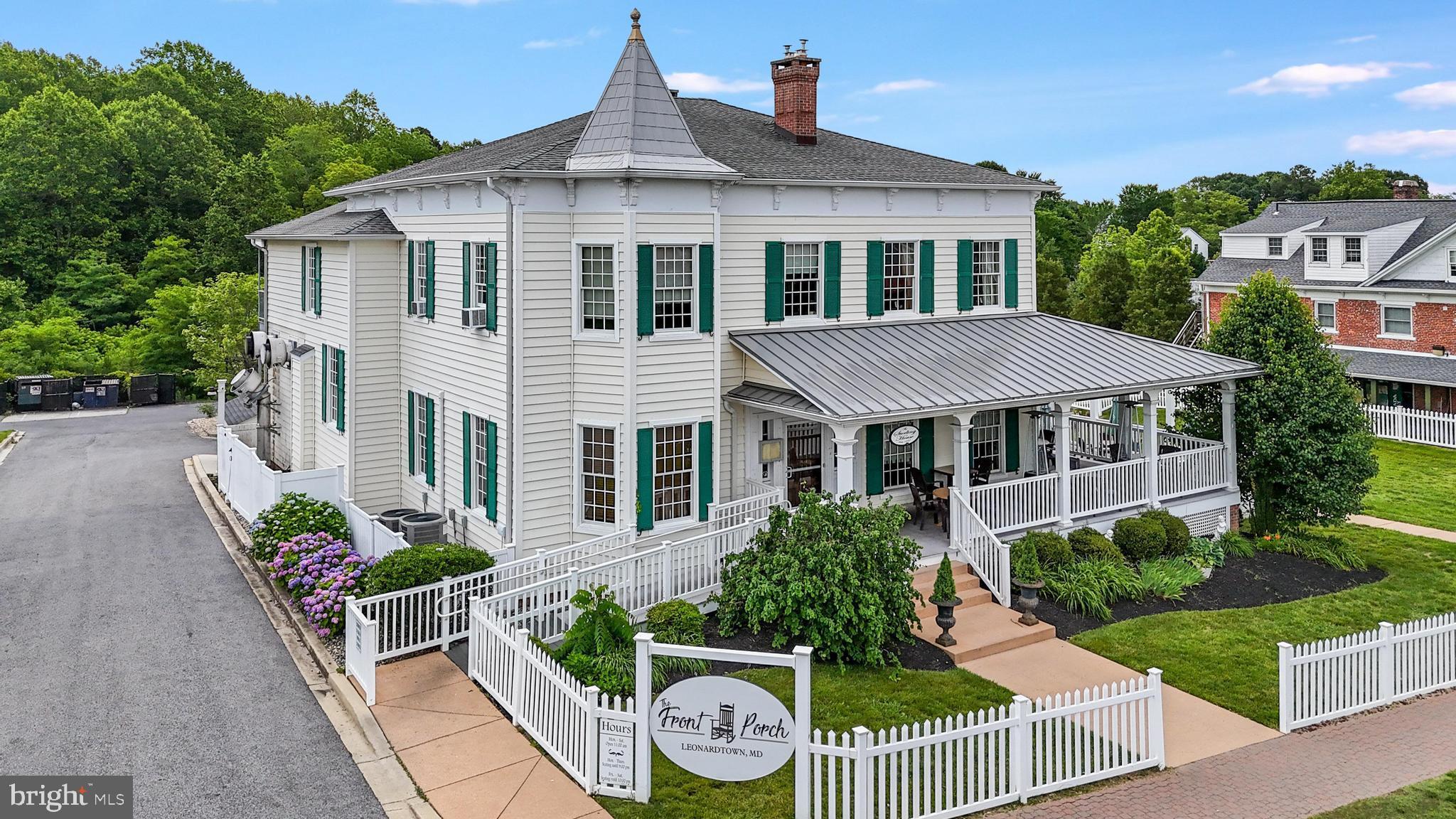
22770 WASHINGTON STREET, LEONARDTOWN, MD 20650
Active Under Contract
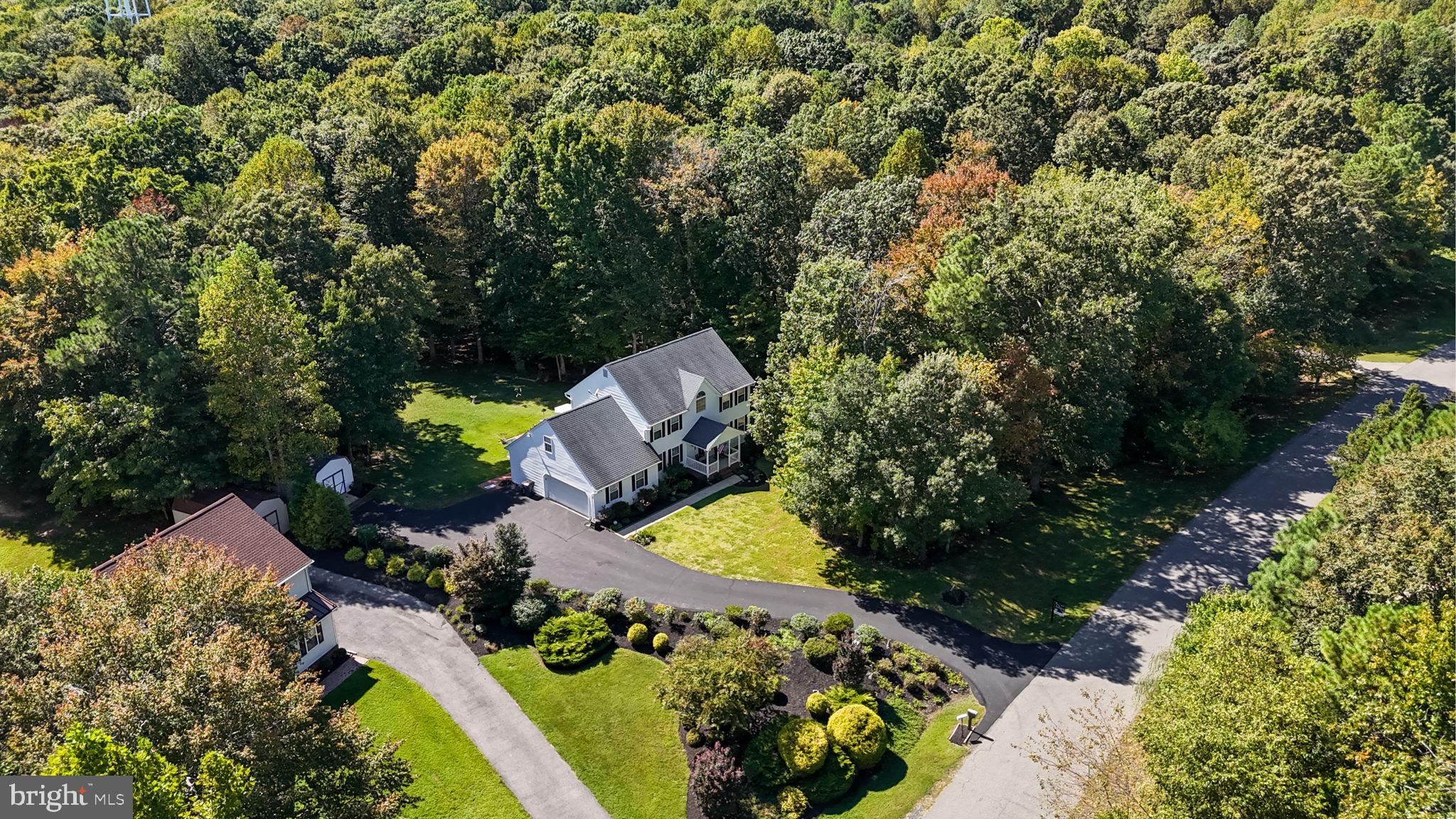
27983 CATHEDRAL DRIVE, MECHANICSVILLE, MD 20659
For Sale
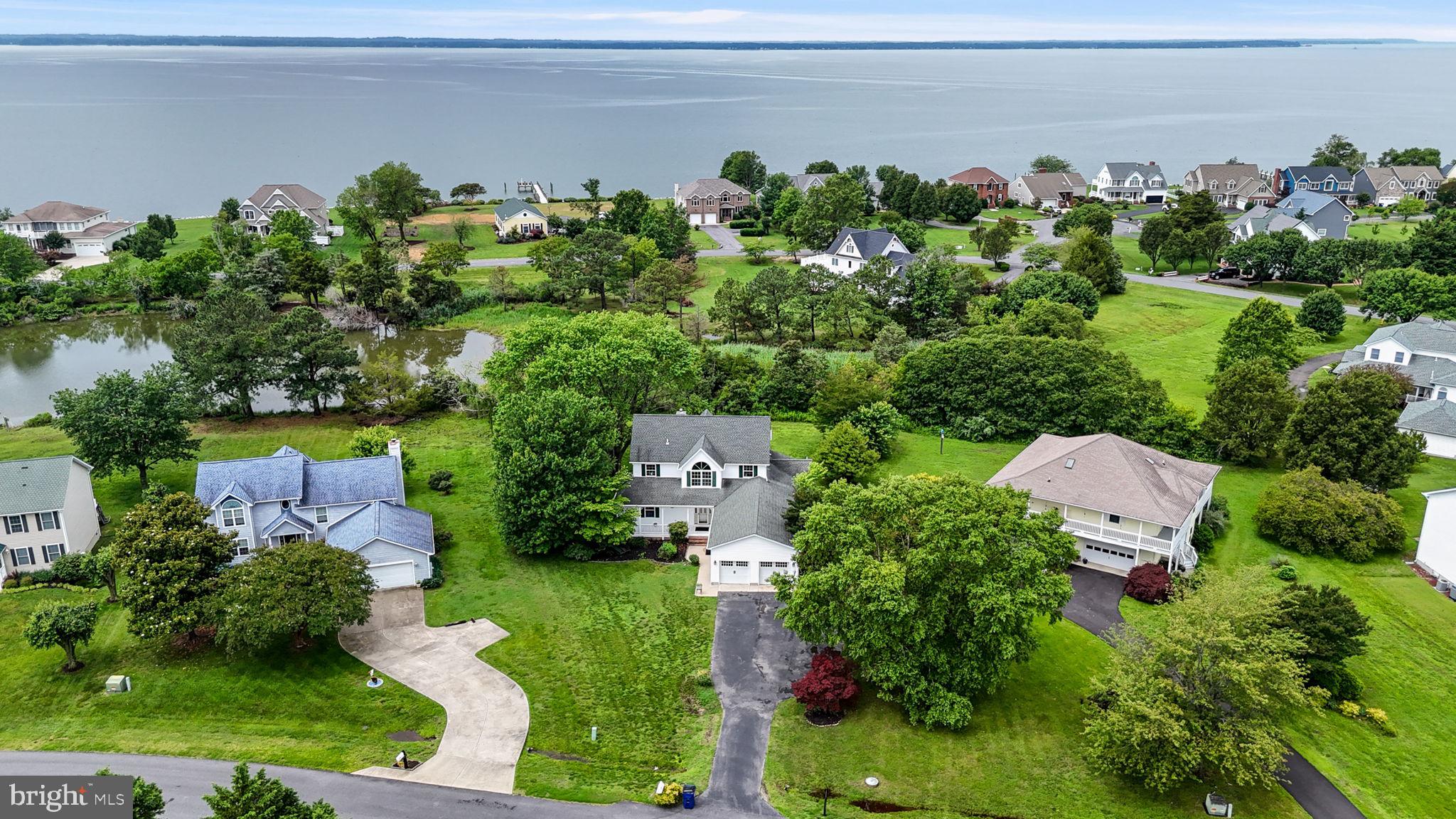
17615 DRIFTWOOD DRIVE, TALL TIMBERS, MD 20690
For Sale
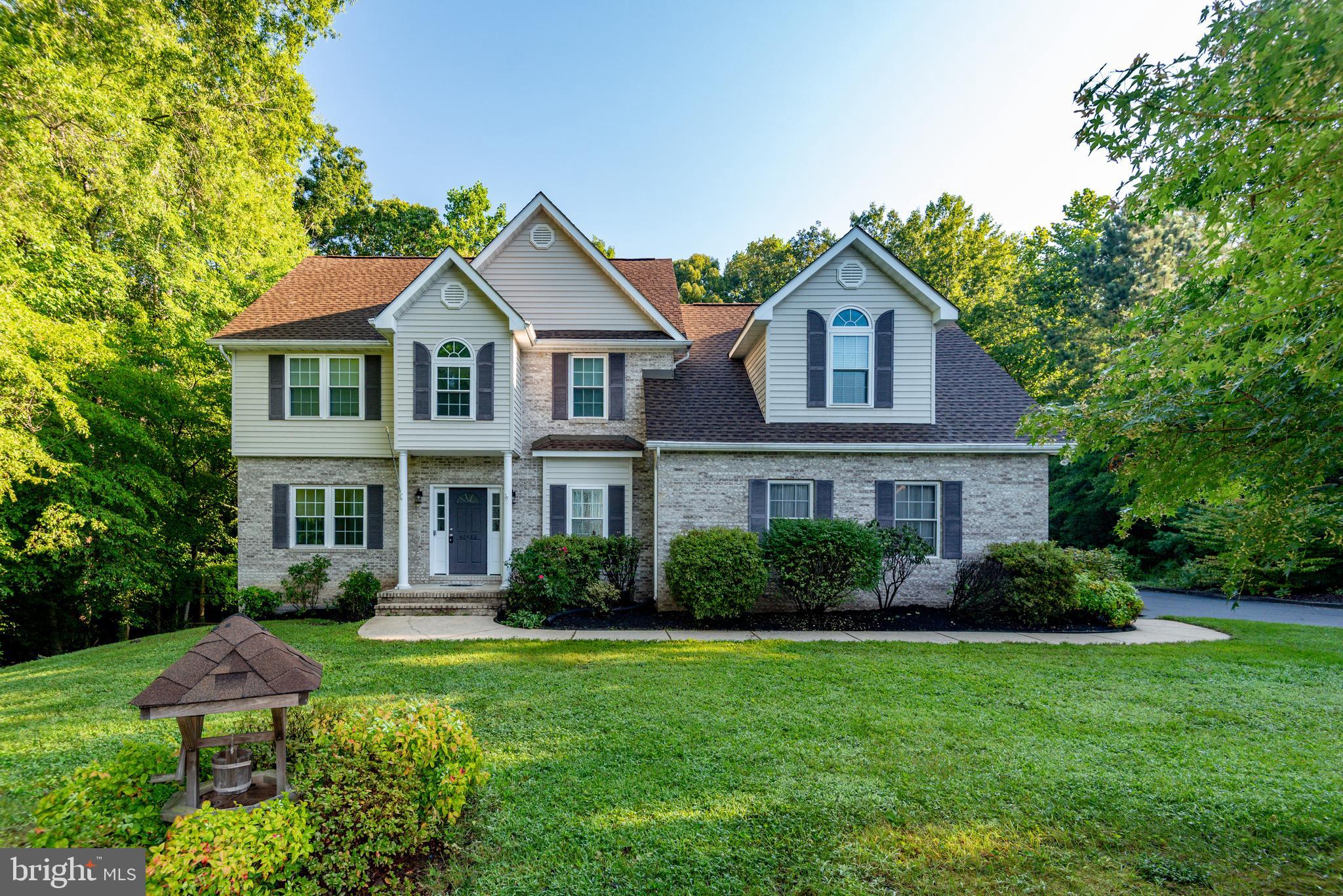
46486 HILTON RIDGE DRIVE, LEXINGTON PARK, MD 20653
Our mission-focused company offers infinite possibilities for buyers, sellers, and investors across St. Mary’s County through a highly customer-oriented approach, open and dependable communications, and an unrivaled work ethic. No other company sinks as many resources into your success.
Disclaimer: Modifying your router’s firmware may void your warranty, violate your ISP’s terms of service, or permanently brick the device. Proceed at your own risk. This information is for educational purposes.
The ZTE B866v2 is a capable ONT, but ISP locking severely limits it. The safest unlock is simply enabling telnet via the nE7jA%5m backdoor, then disabling TR-069. Full firmware replacement is risky but rewarding if you need GPON customization. Always backup your original config via sendcmd 1 DB all show > /tmp/backup.txt before making changes.
Report: ZTE ZXV10 B866V2 Unlock
Introduction
The ZTE ZXV10 B866V2 is a fiber-optic broadband router commonly used by internet service providers (ISPs) to deliver high-speed internet connections to customers. The device is equipped with advanced features such as gigabit Ethernet ports, Wi-Fi, and VoIP capabilities. However, one of the limitations of this device is that it is often locked to a specific ISP, restricting users from using it with other service providers. This report explores the process of unlocking the ZTE ZXV10 B866V2, its benefits, and potential risks.
Background
The ZTE ZXV10 B866V2 is a popular router model used by various ISPs worldwide. While it offers excellent performance and features, its locked status can be a significant drawback for users who want to switch ISPs or use the device for other purposes. Unlocking the device can provide users with more flexibility and freedom to choose their preferred ISP or use the device for other applications. Zte Zxv10 B866v2 Unlock
Unlocking Methods
Several methods are available to unlock the ZTE ZXV10 B866V2:
Benefits of Unlocking
Unlocking the ZTE ZXV10 B866V2 offers several benefits:
Risks and Considerations
While unlocking the ZTE ZXV10 B866V2 offers several benefits, there are also potential risks and considerations: Disclaimer: Modifying your router’s firmware may void your
Conclusion
Unlocking the ZTE ZXV10 B866V2 can offer users more flexibility and freedom to choose their preferred ISP or use the device for other purposes. However, it is essential to consider the potential risks and take necessary precautions to ensure a successful unlock. Users should carefully evaluate the benefits and risks before attempting to unlock their device.
Recommendations
Based on the findings of this report, we recommend:
Future Work
Future research is recommended to:
Unlocking the ZTE ZXV10 B866V2 (often distributed by carriers like Claro or MTS) is a common goal for users wanting to remove provider restrictions, install third-party apps, or flash a clean Android TV ROM. The Unlocking Landscape Carriers often lock these boxes by disabling Developer Options , blocking ADB connections , and restricting the installation of Unknown Sources Soft Unlock (Developer Mode): To attempt a basic unlock, navigate to Settings > Device Preferences > About Android TV OS Build
seven times. If a password is required, it is usually set by the carrier. Deep Unlock (Bootloader & ROM):
For full freedom, users typically seek to unlock the bootloader to flash custom firmware, such as Android 12-based ROMs. This often requires hardware interaction like UART/TTL connections
or "shorting pins" on the motherboard to force the device into Fastboot mode Methods for B866V2 Liberation
Мтс ZTE B866 разблокировка bootloader и слив Backup
If you have obtained an unlock code (NCK), the process is typically straightforward: Final Note The ZTE B866v2 is a capable
192.168.0.1 or 192.168.1.1).Perhaps you don't need full root. You just need Bridge Mode. Some ISP firmware blocks the bridge button, but leaves a hidden menu.
http://192.168.1.1/bridge.html (Check if hidden page exists).inspect element trick:
disabled="true".If this fails, you must delete the default WAN connection (TR069_R_VID) and create a new one in Bridge mode. Warning: This kills the ISP management channel, so your internet might go down until you reconfigure.